
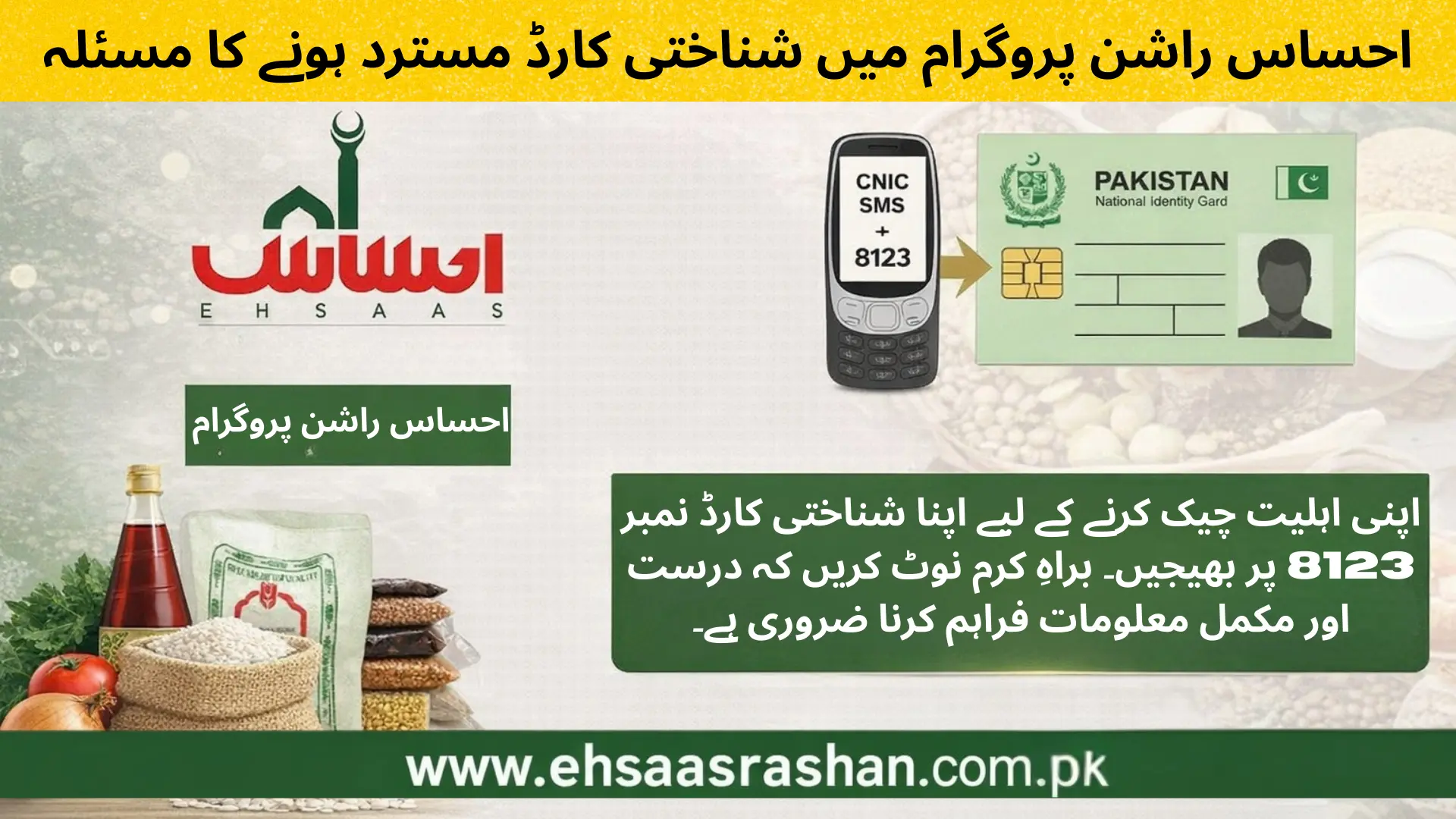
CNIC Rejected in Ehsaas Rashan Program – Full Fix Guide (2026) احساس راشن پروگرام میں شناختی کارڈ مسترد ہونے کا مسئلہ
If your CNIC shows “Rejected” or “Not Eligible” in the Ehsaas Rashan Program, do not panic. This is a common issue faced by many applicants, and in most cases, it can be fixed.
This guide explains why CNIC gets rejected, how to fix it step by step, and when to check again.
What Does “CNIC Rejected” Actually Mean?
CNIC rejection does not always mean permanent disqualification.
It usually means:
- Your data is incomplete or outdated
- Your information does not match official records
- The system needs updated verification
Top Reasons Why CNIC Gets Rejected
خاندانی معلومات اپ ڈیٹ نہ ہونا
آمدنی کی صورتحال میں عدم مطابقت
شناختی کارڈ کے ریکارڈ میں مسئلہ
تازہ ترین سروے میں شامل نہ ہونا
1- Family Data Is Not Updated
This is the number one reason.
Common issues:
- Spouse not added
- Children not linked
- Wrong marital status
If family data is incorrect, the system cannot assess eligibility properly.
2- Income Status Mismatch
If records show:
- Stable income
- Tax activity
- Utility usage above threshold
Your CNIC may be marked not eligible, even if income is low in reality.
3- CNIC Record Problem
Your CNIC may be:
- Expired
- Under verification
- Not fully synced in the system
Inactive CNICs often get rejected automatically.
4- Not Included in Latest Survey
Some families are rejected because they were never part of the latest Ehsaas or BISP survey.
Surveys are conducted in phases, not continuously.
Step-by-Step: How to Fix CNIC Rejected Issue
Step 1: Update Family Data at NADRA
Visit your nearest NADRA office and:
- Add spouse (if married)
- Add children (B-Form linkage)
- Correct marital status
- Update address if changed
This step fixes most rejection cases.
Step 2: Ensure CNIC Is Valid
Before checking again:
- CNIC must be valid and active
- Not expired
- Not under verification
Renew CNIC if needed.
Step 3: Wait for System Update
After NADRA updates:
- Wait 7 to 14 days
- Do not send daily SMS
- Let data sync properly
Checking too early gives the same result.
Step 4: Recheck Eligibility via SMS
After waiting period:
- Send your 13-digit CNIC to 8123 or 8171
- Check updated status
Many users see status change after this step.
Step 5: Complete Dynamic Survey (If Available)
If rejection continues:
- Watch for dynamic survey announcements
- Visit official survey centers if required
- Provide accurate income information
Survey participation improves eligibility chances.
What NOT to Do (Very Important)
❌ Do not pay agents
❌ Do not trust “guaranteed approval” claims
❌ Do not submit CNIC copies on random websites
❌ Do not resend SMS many times daily
All official processes are free.
کسی ایجنٹ کو پیسے نہ دیں
“یقینی منظوری” کے دعوؤں پر یقین نہ کریں
کسی بھی غیر معروف ویب سائٹ پر شناختی کارڈ کی کاپی جمع نہ کروائیں
ایک ہی دن میں بار بار ایس ایم ایس نہ بھیجیں
How Long Does It Take to Get Approved After Fix?
1- NADRA update sync: 7–14 days
2- Survey review (if required): 2–4 weeks
3- Status update depends on current phase
Approval is phase-based, not instant.
When Should You Check Again?
Recheck your status:
- After updating NADRA data
- After official announcements
- During new registration phases
Eligibility can change over time.
Quick Checklist (Before Rechecking)
CNIC valid
✔ Family data complete
✔ Correct marital status
✔ SIM registered on your CNIC
✔ Waited enough time after updates
If all are correct, chances improve.
Final Advice
A rejected CNIC does not mean the end. Most cases are fixed by updating family and personal data. Follow the correct steps, stay patient, and rely only on official methods.
This guide is created to help you avoid confusion and scams.
Disclaimer
This website is not an official government website.
We provide informational guidance only.
Final eligibility decisions are made by official authorities